
Smarter, faster estimates. We’re here to help you get there.
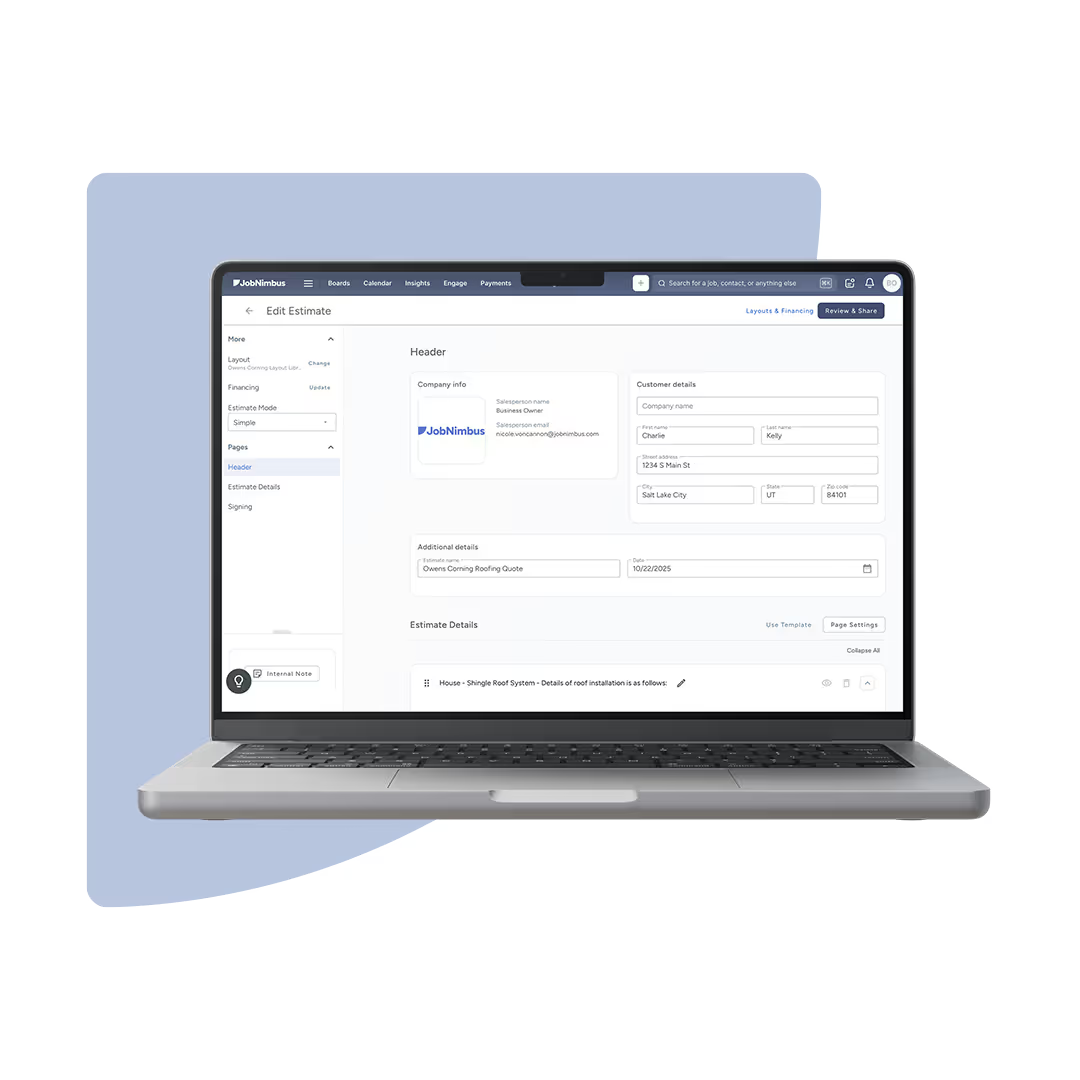
Estimate the way you do now—only better. Move to the new version of Estimates and experience the improvements your team deserves. We're with you every step of the way, with training, webinars, and step-by-step guides to help you get ready with confidence.

Smarter Tools Ahead
Why are we improving your estimating process?
The old flow was fast. The new tools are just as fast—and smarter. With automation, templates, and live previews, you’ll type less and win more.
Old estimating process
New estimating solution
Basic visual layout with limited customization.
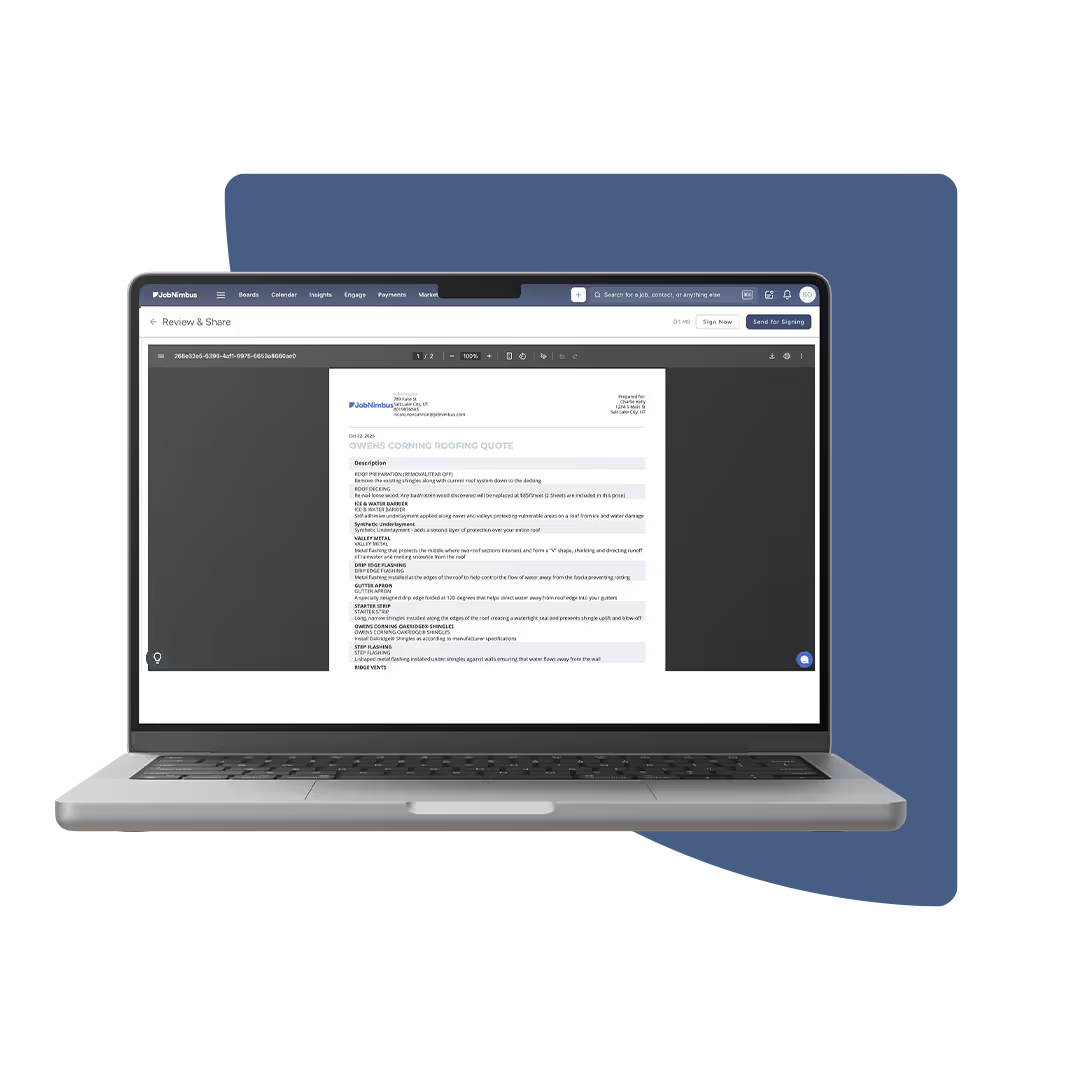
Professional, customizable quotes that help you stand out and win more jobs.
No calculation functionality available
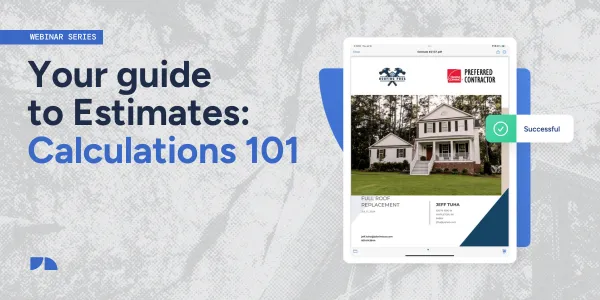
Powerful calculation builder for accurate pricing, materials, and margins.
Limited integrations and slower ordering process
Expanded supplier integrations (including ABC Supply) with improved accuracy, speed, and order flow.
One-size-fits-all
Ability to switch between estimating modes for flexibility to match your estimating style.
No ability to request or process deposits.
Option to include deposit requests in estimates and collect payments directly.
No option to include or present product upgrades.
Ability for customers to select optional product upgrades directly from the estimate.
No inspection report feature available
Generate inspection reports directly from your estimate to save time and improve accuracy.
No ability for custom pages
Add custom pages to your estimates for extra details, warranties, or company branding.
No option to select a product variation
Product selections that allow the customer to select product variations.
No support for multiple estimate options
Supports multiple estimate options—Good, Better, Best—for flexible pricing and upsell opportunities.

Benefits
Why contractors love it

Speed up job bidding with reusable templates
Reduce double data entry with automated fields
Customize look & feel for brand consistency
Win more jobs with professional-looking estimates
Reduce errors with built-in calculations
Get paid faster when estimates flow right into invoicing

Admin Tutorials
How to create estimates
.webp)
.webp)

.webp)
.webp)
.webp)
.webp)
.webp)
.webp)
.webp)
.webp)

Sales
Creating an estimate
Learn how to create and send professional estimates that win jobs faster. This quick training walks you through building an estimate in JobNimbus, adding items, and sending it to your customer—all from one streamlined screen.

.webp)

KNOW YOUR NUMBERS
What does this mean for you?
Every part of the new estimating workflow is designed to make estimating faster, smarter, and more professional.
- Estimate faster – Reuse templates, preloaded items, and smart fields
- Look more professional – Branded, polished, mobile-ready estimates
- Stay connected – Send estimates, track views, convert to invoices in one click
- Do less work – Autofill taxes, totals, and discounts—no manual math
- Close more jobs – Share estimates digitally and get e-signatures faster

More updates coming
What is coming in the next 6 months?
- Show “Created by” user rather than SumoQuote
- Section settings adjustments
- Hide cost data from users
- View estimate financial details after signature
- Prevent specific users from adding ad hoc items
- Email click tracking on Activity
.avif)
Support & Training
Support and training resources