



JobNimbus Financing
Financing, built into the job itself
Apply, track, and manage homeowner loans without ever leaving JobNimbus.
Homeowners want the roof. Give them a way to buy it.
Homeowners offered financing are 35% more likely to buy on the spot. Give them that option on the estimate itself, in JobNimbus. No separate app to fumble through in the middle of the sale.
.png)
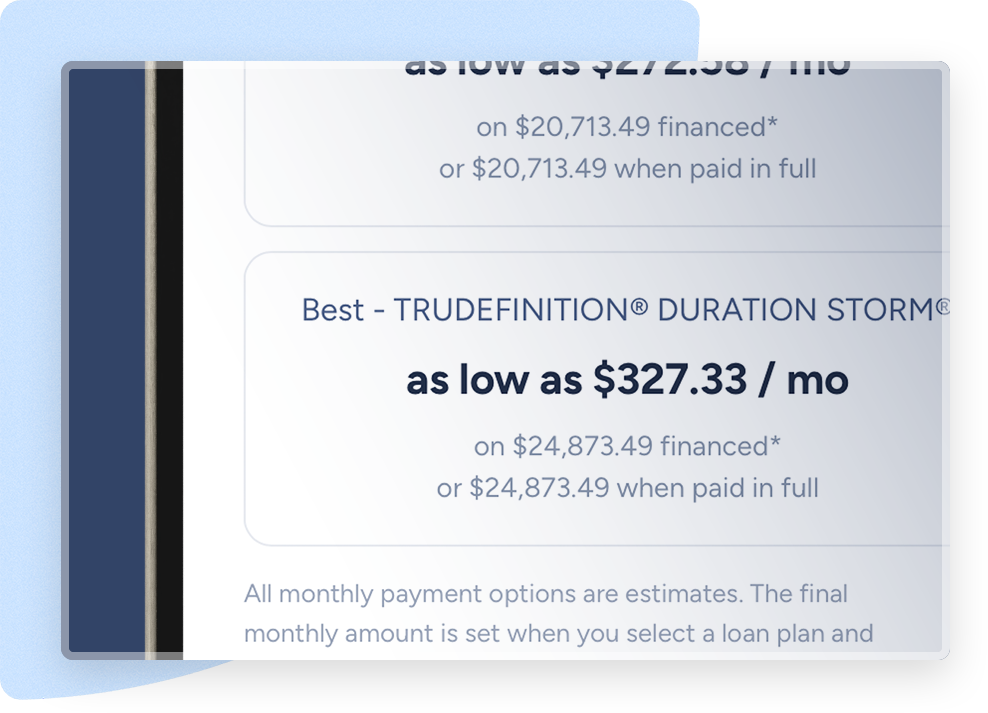
Price and monthly payment, side by side.
The monthly payment is already on the estimate when your rep walks through the job, so financing comes up as a natural part of the conversation instead of a save attempt at the end.
Close bigger jobs.
Homeowners see a large total and start looking for things to cut, or settle for your cheapest option. A monthly payment helps homeowners afford the best, keeping the full scope in play.
Get paid without the wait.
Once the job is confirmed complete, you're paid in full. Our financing partners manage the homeowner's monthly payments from there, so you’re not left chasing checks.
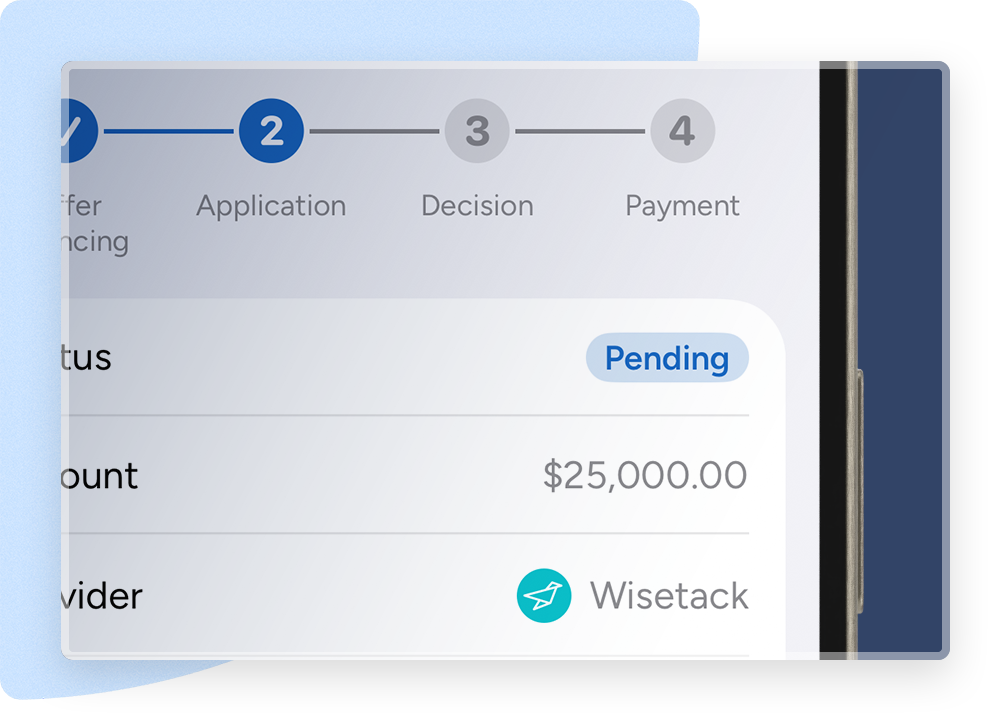
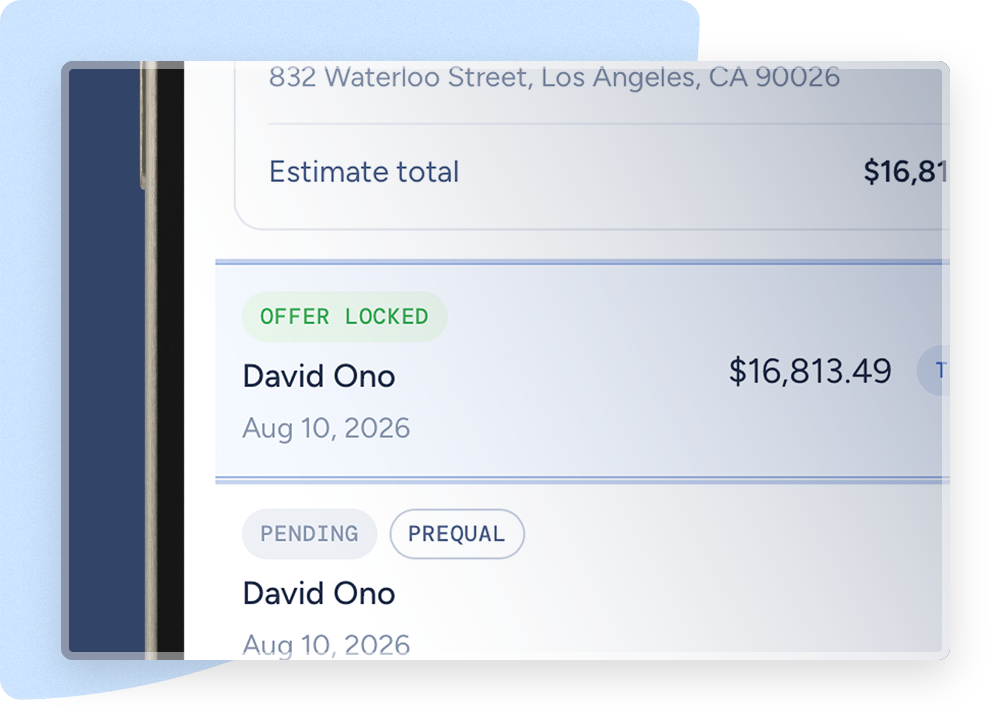
Always know where a loan stands.
Apply, track, and manage the whole loan without leaving JobNimbus. Every application, decision, and payment sits on the job record, so your team isn’t left wondering.
Make financing part of the pitch
Start the conversation on the first visit so payment never stalls the sale
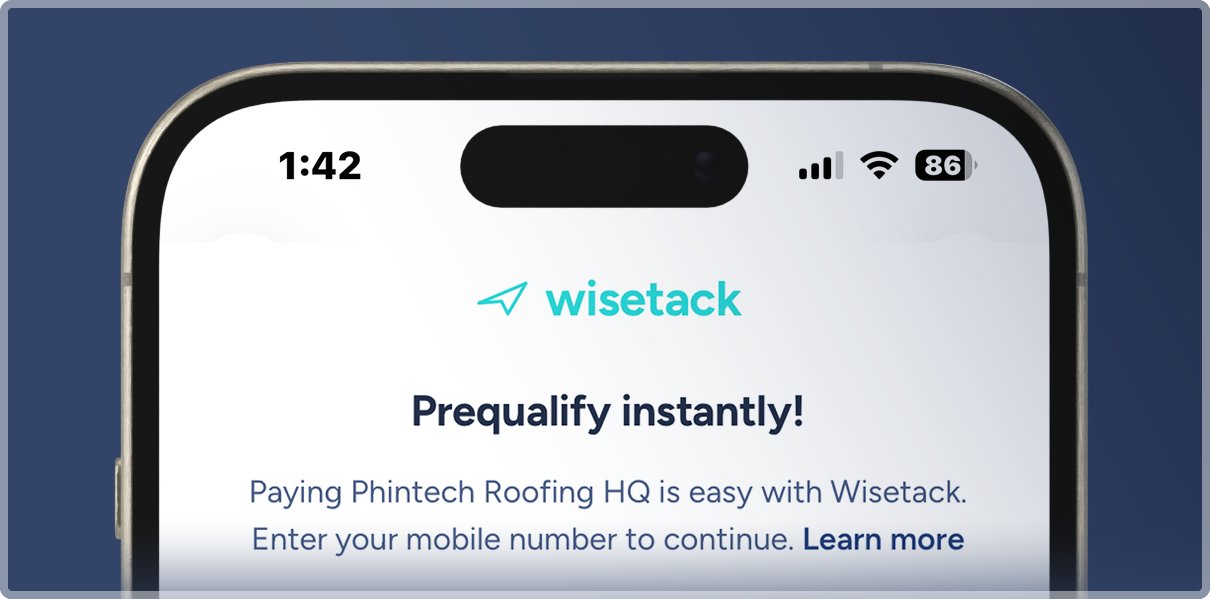
Prequalify before you bid
Send a prequal link from the job before you're on the roof. It won't affect the homeowner's credit, and you'll walk in knowing what they can afford.
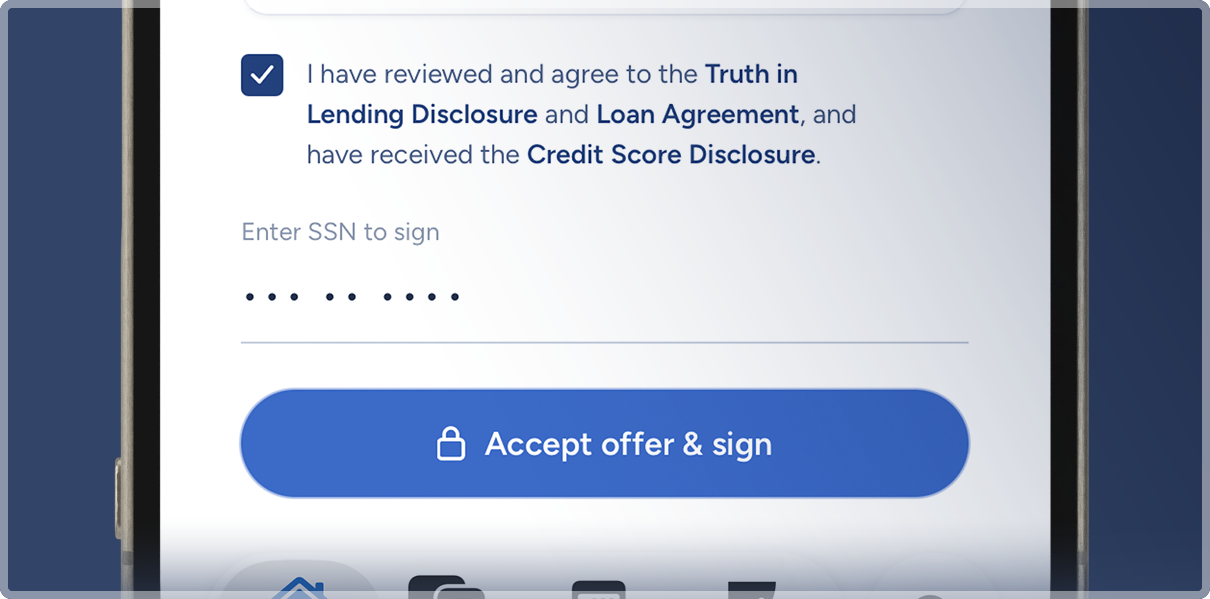
Close at the table
Send the loan application from the job when you present the estimate. The application and decision stay with the rest of the job details.
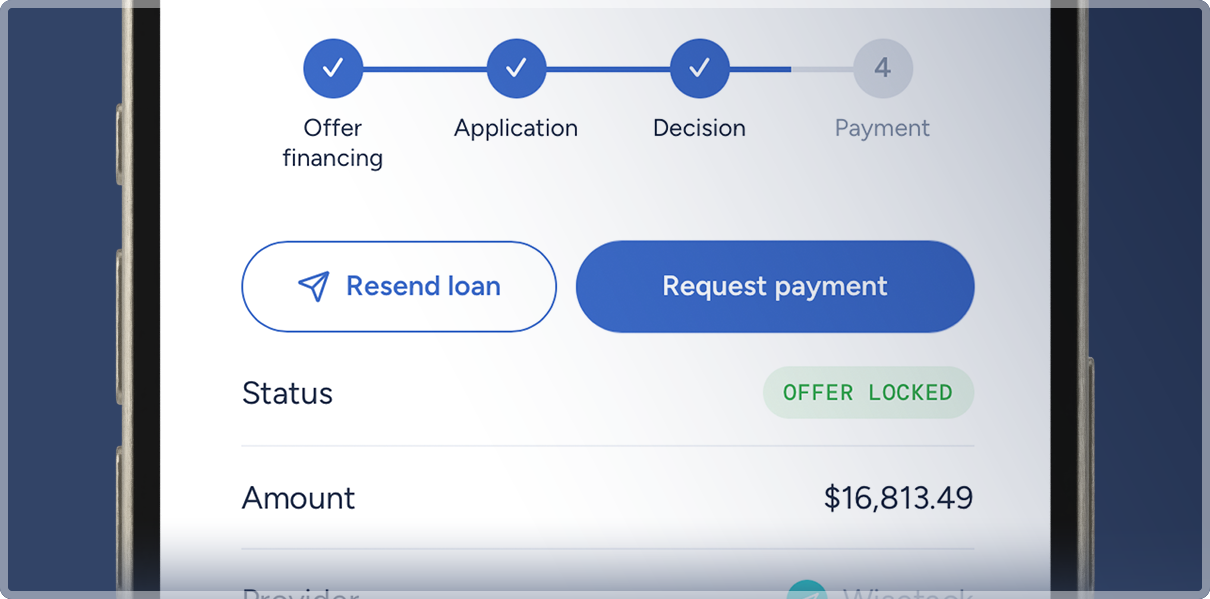
Progress Payments
The homeowner can release up to half the loan when work starts, so your material order doesn't wait on their cash. The rest releases when they confirm the job is done. One application covers both, and splitting the payout doesn't change your merchant fee.
Contractors are already closing bigger jobs with JobNimbus Financing

Financing makes things so much simpler for us. Before, it was five or ten extra steps: logging into a separate app, entering a verification code, starting a new loan application. Now it’s all right there in JobNimbus, so our reps stay connected to the homeowner. Financing becomes part of the conversation instead of ‘hold on, let me get logged in.
Kurt O'Connell,
Sales Manager, Joyland Roofing.
.png)
Offer financing from the driveway
Your reps are already building estimates on the go. Now they can add financing options, hand the phone over, and let the homeowner apply right then and there. Or send a prequal link ahead of the visit, so your rep knows what the homeowner can carry before they build anything.

How financing works in JobNimbus
One application to get set up. After that, financing is an option on every estimate you send.
Add financing to the estimate.
Turn it on while you're building the estimate. The homeowner sees a monthly option the same second they see the price.
Homeowners apply and accept.
Right from the estimate. Checking eligibility doesn't affect their credit. Approved homeowners pick their terms and sign. With Progress Payments they can release up to 50% of the loan as the deposit.
Do the job.
Nothing changes for your crew.
Get paid once the work is confirmed.
When the job is done, the financing partner asks the homeowner to confirm the work is complete. Once they confirm, you receive your full loan balance. You're paid for the job, and the financing partner handles the homeowner's monthly payments from there.
No separate portal or second login.

Common questions
A way to offer homeowners a monthly payment plan as part of the job. They apply and accept without leaving JobNimbus, you do the work, and you get paid by ACH once they confirm it's done. Financing is offered through Wisetack, which connects homeowners with its lending partners. Your side of it runs in JobNimbus.
If you have one, fill out the application with the same business EIN. If you don't, you apply once to get set up. Either way it's a one-time step, not something you repeat per job.
A one-time application through Wisetack. You'll need your Federal EIN, basic info on anyone who owns 25% or more of the business, and business bank verification. No personal credit check.
No. Homeowners can see what they qualify for without any impact to their credit. All financing is subject to credit approval, terms may vary.
If you're on New Sales Experience, your rep adds financing options while building the estimate and the homeowner applies and accepts right there. If you're not on NSE, your rep sends a loan from the job menu. Either way the homeowner applies from their phone with no separate app.
No. Financing is available to existing customers whether or not they're on NSE. The difference is where it appears. Anyone with financing is able to send a prequall link, send a loan, and request payment from inside of the Job. In NSE, financing appears right on the estimate. You can add it at the template level so it applies to every estimate you build, or add it to individual estimates as you go. Every application, decision, and payment lands on the job record either way.
Yes. You can send a prequal link from the job at any point, even before you've measured or scoped the work. You'll know what the homeowner can carry before you put time into a bid. It works from the job menu whether or not you're on NSE.
After the job is done, and the homeowner confirms it. You send the confirmation from inside JobNimbus, this triggers a text from Wisetack to the homeowner to confirm the work is finished, and the ACH transfer starts the next business day. It lands in one to three business days depending on your bank.
US-based residential roofing and exterior businesses on the current version of Jobs.
Nothing from JobNimbus. No setup fee, no subscription, no per-transaction charge. Wisetack charges a flat merchant fee, which is a standard cost of offering financing.
A job can be financed if the loan is at least $500, up to a max of $65,000, depending on the approval level of the contractor and the credit of the homeowner. Loans that use Progress Payments are currently capped at $25,000 and require a loan minimum of at least $1,000.
Yes. Financing lives on the job, so it works wherever your reps already work, including on mobile.
No. You control which jobs and estimates include a financing option.
No. Connecting Wisetack sits alongside what you're already using. It gives you a simple way to put a payment option on the estimate, making it easier for your reps and the homeowner. You can continue to use any other financing options that you already have in place.
On the job record. Applications, approvals, and payments all live with the job, so anyone on your team can check without logging into a separate portal.
A quick way for a homeowner to see what they qualify for before you build the estimate. You send a link from the job, they fill it out in a few minutes, and the amount they prequalify for shows up on the job. Checking doesn't affect their credit. All financing is still subject to credit approval.
Yes, Progress Payments is an optional feature you can apply to offer. It lets you collect up to 50% of the approved loan amount as a deposit when the job starts, then receive the remaining balance once the job is complete.
